


As an Amazon Associate we earn from qualifying purchases.
Shopping for a 1440p 120Hz monitor sounds simple — until you discover that true native 120Hz panels at 1440p are genuinely rare. The monitor market long ago standardized on 144Hz and higher for this resolution, so most searches in this class lead to 144Hz, 165Hz, 170Hz, or even 180Hz displays. Here’s the honest truth, stated up front: every pick in this guide runs at 144Hz or more, which covers 120Hz output — from consoles and PCs alike — with headroom to spare. Rather than pretend native 120Hz 1440p monitors are common, we’ve rounded up the five best 144Hz-and-up alternatives and explain exactly what the numbers mean in the buying guide below.
We focused on 27-inch IPS panels — the sweet spot for 1440p, where pixel density looks sharp without demanding a high-end GPU the way 4K does. Each pick was evaluated on panel quality, refresh rate and response time, adaptive-sync support, and everyday usability. The scores below are our own editorial ratings, not Amazon ratings.
| # | Product Image | Product Name | Rating | Action |
|---|---|---|---|---|
| 1 | 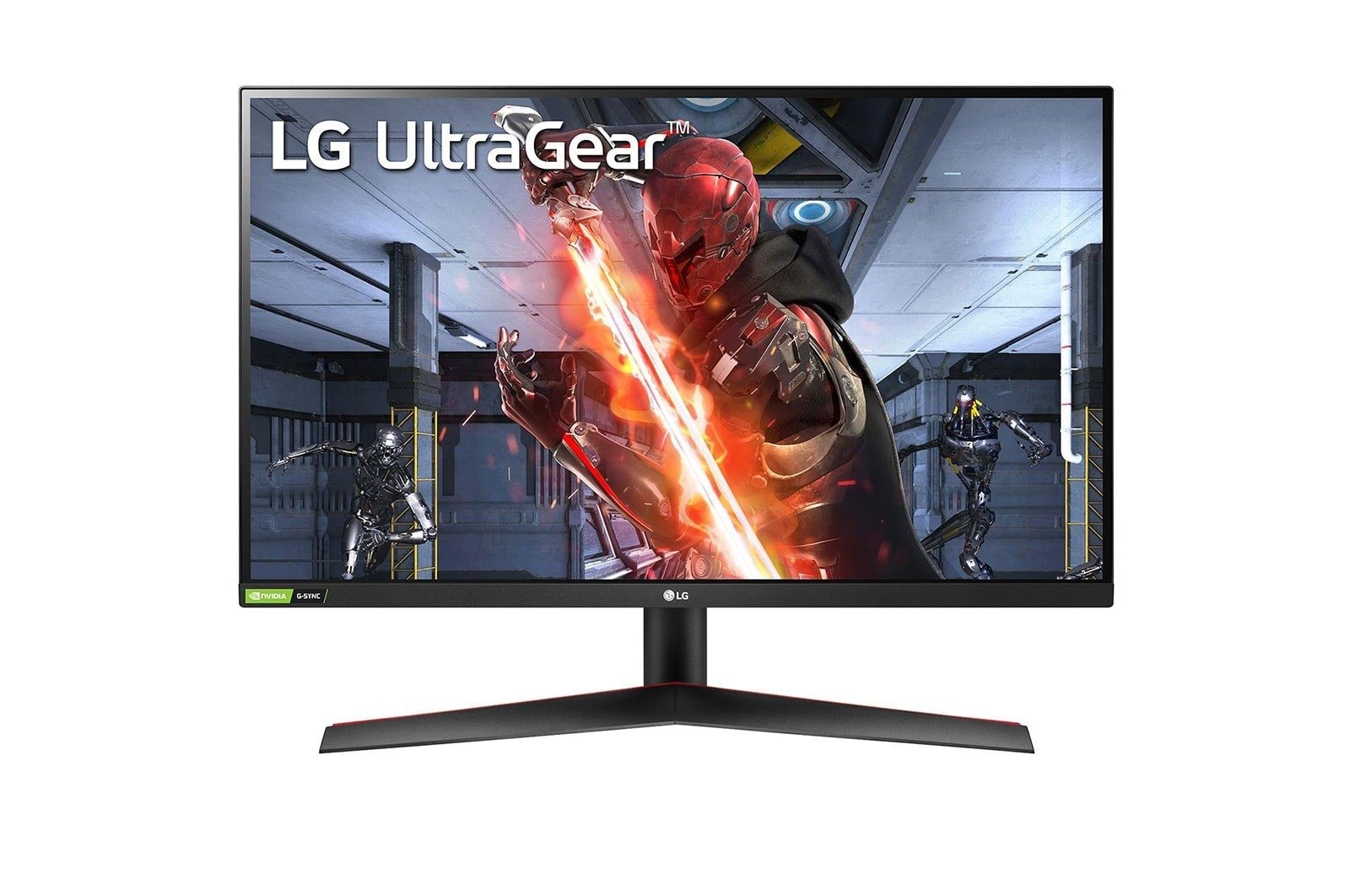 |
LG 27GN800-B UltraGear 27″ QHD 27″ IPS · 144Hz · 1ms GtG · HDR10 |
9/10 |
Check Price on Amazon |
| 2 | 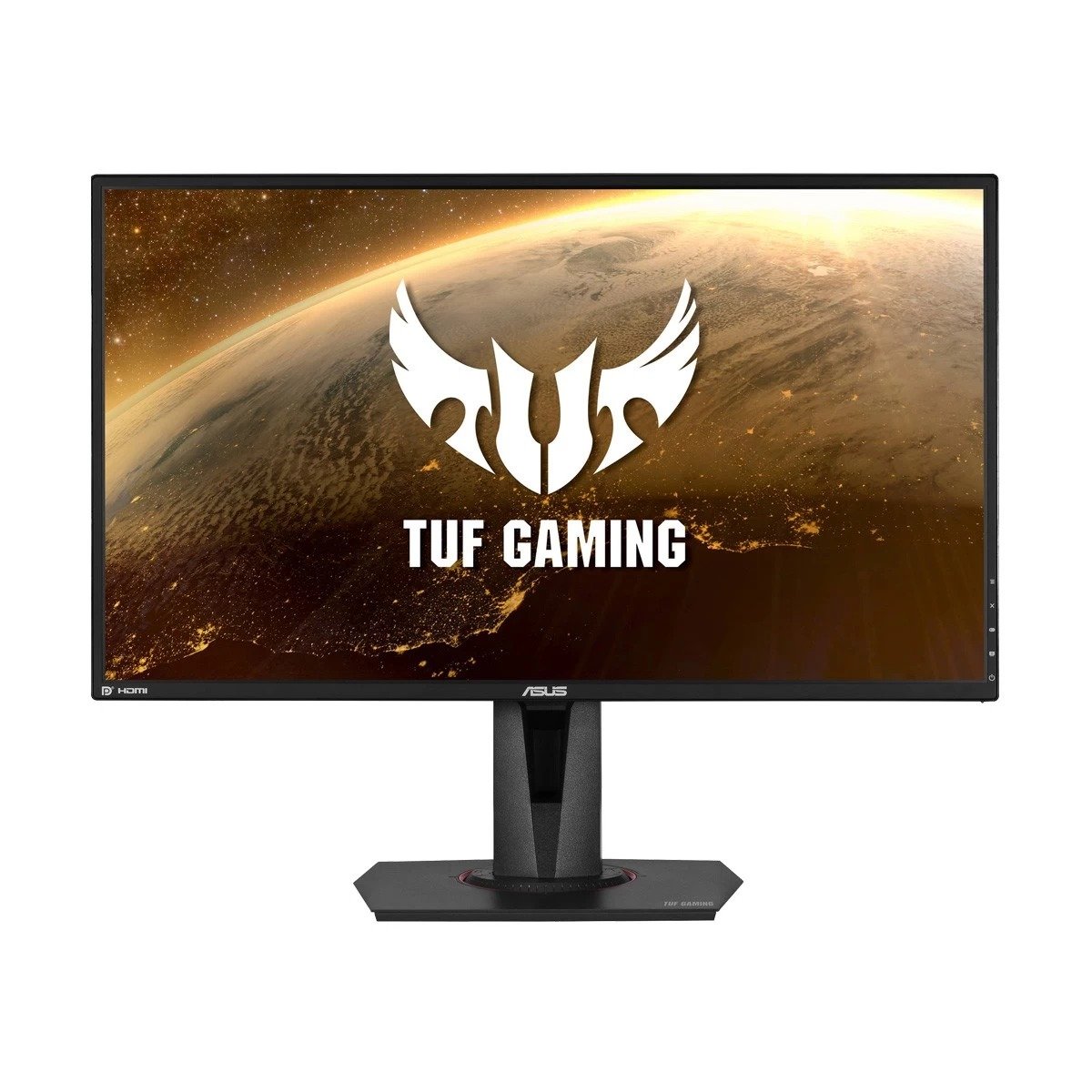 |
ASUS TUF VG27AQ 27″ 27″ IPS · 165Hz · 1ms MPRT · ELMB Sync |
9/10 |
Check Price on Amazon |
| 3 |  |
LG 27GL83A-B 27″ UltraGear 27″ IPS · 144Hz · 1ms GtG · G-Sync Certified |
9/10 |
Check Price on Amazon |
| 4 | 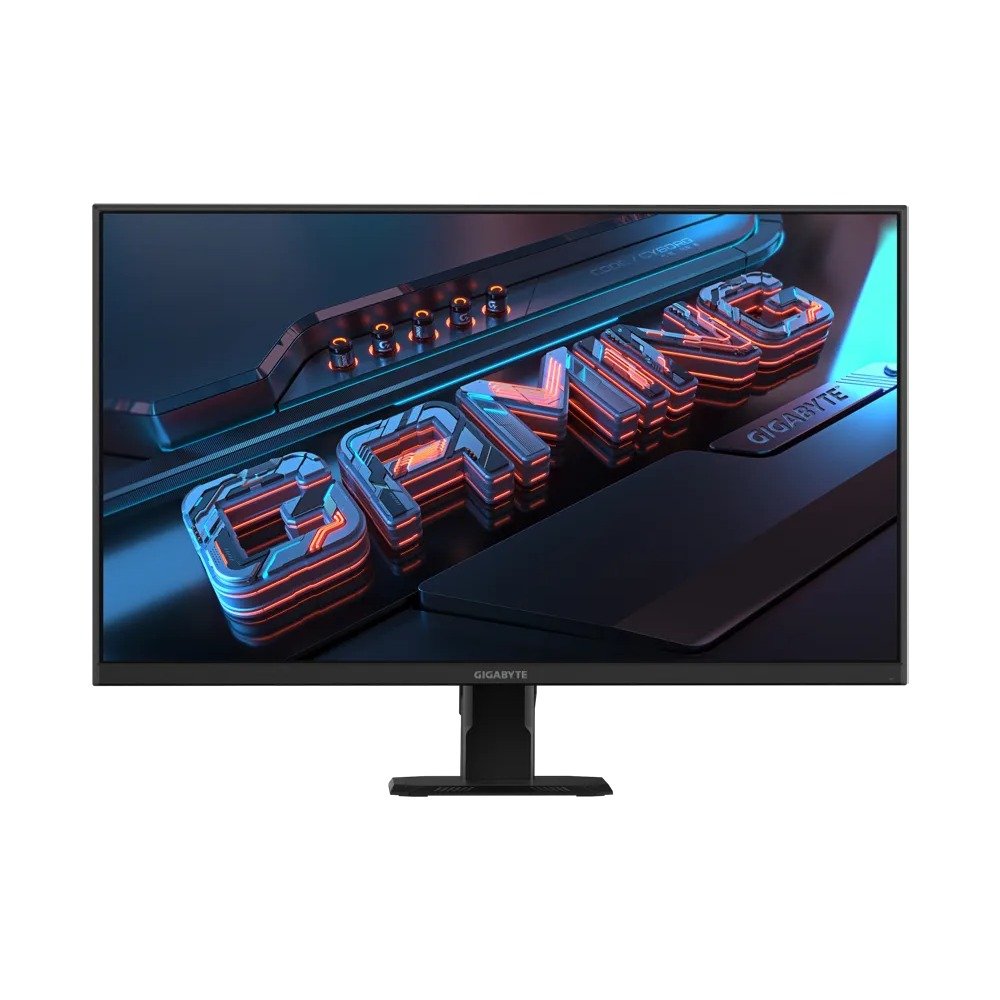 |
GIGABYTE GS27Q 27″ 27″ IPS · 180Hz · 1ms MPRT · FreeSync |
8/10 |
Check Price on Amazon |
| 5 | 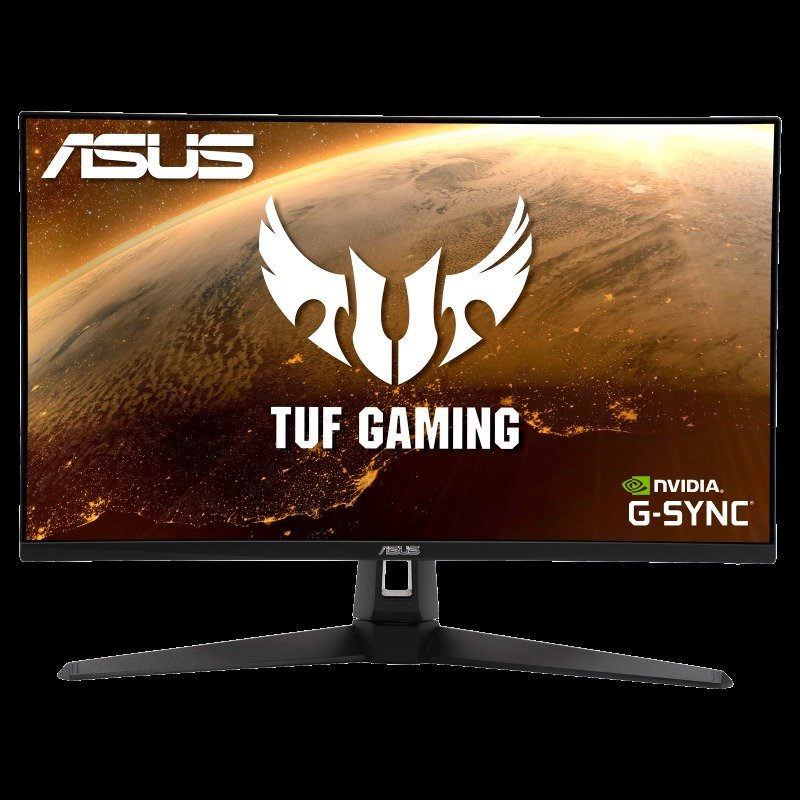 |
ASUS TUF VG27AQ1A 27″ 27″ IPS · 170Hz · 1ms MPRT · ELMB |
8/10 |
Check Price on Amazon |
1. LG 27GN800-B UltraGear 27″ QHD — Best Overall Value
The LG 27GN800-B is the value champion of the 1440p high-refresh world: a 27-inch IPS panel running 2560×1440 at 144Hz with a 1ms GtG response time, HDR10 support, and 99% sRGB color coverage. It carries both FreeSync Premium and G-Sync Compatible certification, so it plays nicely with AMD and NVIDIA graphics cards alike.
What buyers like: value pricing that undercuts most rivals, vivid and accurate colors out of the box, and genuinely smooth 144Hz gaming that makes 60Hz feel broken by comparison.
What buyers complain about: the HDR10 implementation is basic — don’t buy it for HDR. There’s no built-in speaker and no USB hub, so plan your desk setup accordingly.
2. ASUS TUF VG27AQ 27″ — Best for Competitive Features
The TUF VG27AQ pushes the refresh ceiling to 165Hz (with 144Hz supported) on a 27-inch QHD IPS panel with 1ms MPRT response. Its standout trick is ELMB Sync — ASUS’s backlight-strobing blur reduction running simultaneously with adaptive sync, a combination most monitors force you to choose between. Add 99% sRGB, HDR10, and a fully ergonomic stand (height, tilt, swivel, pivot) plus a built-in speaker, and it’s the feature list that justifies the price.
What buyers like: ELMB and adaptive sync at the same time, the extra 165Hz headroom, and a stand that actually adjusts every way you’d want.
What buyers complain about: weak HDR performance, typical IPS contrast limitations, and the fact that you’ll need DisplayPort — not HDMI — to hit the full 165Hz.
3. LG 27GL83A-B 27″ UltraGear — Best for NVIDIA Users
The 27GL83A-B is the connoisseur’s pick in this lineup: a 27-inch QHD IPS display at 144Hz with 1ms GtG response, distinguished by full NVIDIA G-Sync certification (a step above mere G-Sync Compatible validation) alongside FreeSync support. HDR10, a near-borderless design, and tilt/height/pivot adjustment round out a package aimed squarely at GeForce owners who want guaranteed tear-free gaming.
What buyers like: certified G-Sync rather than just compatible, excellent color and response-time performance, and the clean borderless look.
What buyers complain about: basic HDR, no USB ports, and no speakers — it’s a pure gaming display with no extras.
4. GIGABYTE GS27Q 27″ — Best Budget High-Refresh
The GS27Q brings a headline 180Hz refresh rate to a budget-friendly 27-inch QHD IPS panel with 1ms MPRT response and FreeSync tear-free gaming. It’s even earned Amazon’s “Overall Pick” badge in its category — a sign of strong buyer satisfaction at the price. It’s VESA mountable, which helps offset its biggest ergonomic limitation.
What buyers like: 180Hz at a budget price point, smooth tear-free FreeSync performance, and the value proposition that earned it the Overall Pick badge.
What buyers complain about: “HDR Ready” is marketing gloss rather than real HDR, the stand only tilts (no height adjustment), and there’s no G-Sync certification for NVIDIA users.
5. ASUS TUF VG27AQ1A 27″ — Feature-Packed Alternative
The VG27AQ1A is the VG27AQ’s close sibling with its own flavor: 170Hz QHD IPS (144Hz supported), 1ms MPRT, ELMB motion-blur reduction, G-Sync Compatible certification, and ASUS’s Shadow Boost for brightening dark scenes — plus a built-in speaker and VESA mount support.
What buyers like: the 170Hz + ELMB combination, G-Sync compatibility, Shadow Boost for dark games, and the included speaker.
What buyers complain about: weak HDR, the need for DisplayPort to reach 170Hz, and typical IPS contrast.
Buying Guide: How to Choose a 1440p High-Refresh Monitor
Refresh rate: 120Hz vs 144Hz and above
Here’s the practical takeaway: a 144Hz (or 165/170/180Hz) monitor handles 120Hz sources effortlessly — consoles that output 120Hz, PCs capped at 120fps, and everything below. Higher refresh rates give you smoother motion on PC where your GPU can push the frames, and cost very little extra these days. There’s no reason to hunt specifically for a native 120Hz panel.
Panel type
All five picks use IPS panels, and that’s deliberate: IPS delivers the best color accuracy and viewing angles in this price class. The trade-off is contrast — typically around 1000:1 — so blacks look gray in dark rooms compared with VA panels. For mixed gaming, work, and media use, IPS is the right call for most buyers.
Adaptive sync: G-Sync vs FreeSync
Adaptive sync matches the monitor’s refresh rate to your GPU’s frame output, eliminating screen tearing. NVIDIA graphics cards pair with G-Sync — note the tiers: Certified (like the LG 27GL83A-B) means NVIDIA validated the specific model; Compatible means it works over the open standard. FreeSync is AMD’s equivalent and is also supported by modern consoles. If you own an NVIDIA card, prioritize G-Sync support; otherwise FreeSync is fine.
Ports: HDMI vs DisplayPort
For maximum refresh rates, DisplayPort is the safer bet — several picks in this guide need DisplayPort (not HDMI) to reach their top refresh rate. Check both the monitor’s port versions and your graphics card’s outputs before buying, and don’t assume the included cable is a high-bandwidth one.
Ergonomics
You’ll stare at this screen for thousands of hours, so adjustability matters: height, tilt, swivel, and pivot make a real comfort difference. If a monitor only tilts (like the GIGABYTE GS27Q), confirm it has VESA mounting so you can add a monitor arm later.
Frequently Asked Questions
Is 120Hz enough for gaming?
Yes — 120Hz is a big step up from 60Hz and it’s the maximum current consoles output. On PC, 144Hz and higher look smoother still when your graphics card can deliver the frames, which is why 144Hz+ monitors are the better buy: they cover 120Hz with room to spare.
Do I need HDMI or DisplayPort for 144Hz and above?
DisplayPort is the safer choice for maximum refresh rates — several monitors in this guide require DisplayPort (not HDMI) to hit 165Hz or 170Hz. Check the port versions on both the monitor and your graphics card, and use a quality cable.
Does G-Sync matter if I have an NVIDIA graphics card?
Yes. G-Sync eliminates screen tearing by syncing the monitor to your GPU’s frame rate. Look for G-Sync Certified models for NVIDIA-validated performance, or G-Sync Compatible models which work over the open adaptive-sync standard.
What screen size is best for 1440p?
27 inches is the sweet spot: at 2560×1440 it delivers sharp ~109 PPI pixel density without making text uncomfortably small. Larger 1440p screens start to look soft, while smaller ones waste the resolution advantage.
Conclusion
True native 120Hz 1440p monitors may be rare, but that’s fine — every display in this guide runs at 144Hz or higher and handles 120Hz sources with ease. The LG 27GN800-B is our top value pick, the ASUS TUF VG27AQ leads on competitive features, the LG 27GL83A-B is the safest choice for NVIDIA owners, the GIGABYTE GS27Q delivers 180Hz on a budget, and the ASUS TUF VG27AQ1A packs the longest feature list. Match the monitor to your graphics card and your desk, and you won’t go wrong with any of the five.
